为复杂文档构建高效的检索增强生成(RAG)系统,往往让人感觉像是在与混乱而繁琐的数据流水线搏斗。尤其是在处理 PDF 或扫描图像时,传统方法高度依赖光学字符识别(OCR)和版面分析。这些步骤不仅速度缓慢、容易出错,而且常常会丢失表格、图表和排版格式等至关重要的视觉上下文信息。但是,如果您可以直接根据文档的视觉外观(而不仅仅是提取出的纯文本)来检索文档,会怎样呢?
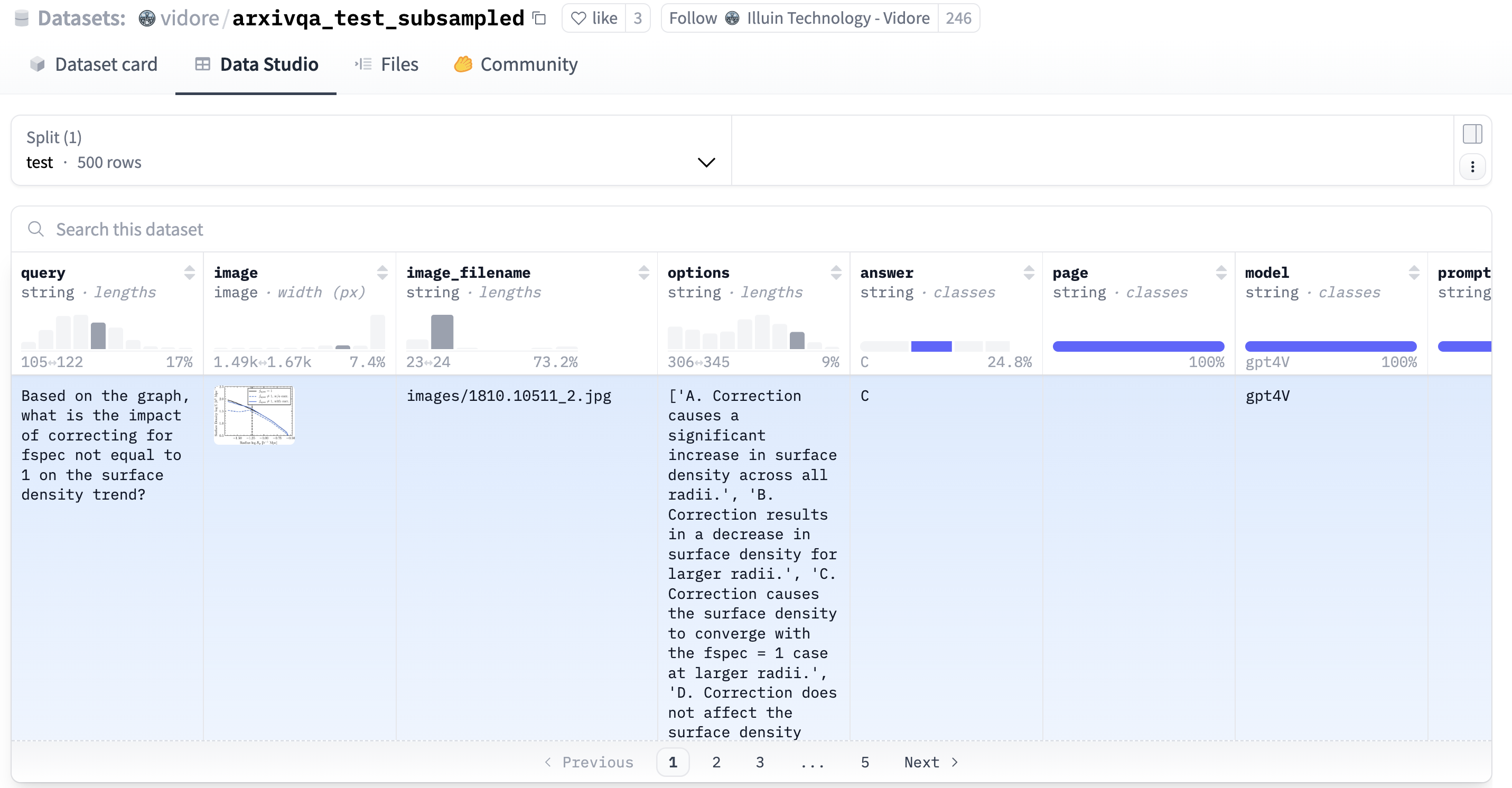
image=modal.Image.debian_slim().pip_install("datasets","huggingface_hub","Pillow")DATASET_DIR="/data"DATASET_VOLUME=modal.Volume.from_name("colpali-dataset",create_if_missing=True)app=modal.App(image=image)@app.function(volumes={DATASET_DIR:DATASET_VOLUME},timeout=3000)defdownload_dataset(cache=False)->None:fromdatasetsimportload_datasetfromtqdmimporttqdmcollection_dataset_names=get_collection_dataset_names("vidore/vidore-benchmark-667173f98e70a1c0fa4db00d")fordataset_nameintqdm(collection_dataset_names,desc="vidore benchmark dataset(s)"):dataset=load_dataset(dataset_name,split="test",num_proc=10)unique_indices=dataset.to_pandas().drop_duplicates(subset="image_filename",keep="first").index#to remove repeating PDF pages with different queriesdataset=dataset.select(unique_indices)dataset.save_to_disk(f"{DATASET_DIR}/{dataset_name}")
Modal 提供了直观的 Python API 来与其云平台交互。通过 modal.Image,您可以为 Modal App 设置基础镜像,而 function 装饰器则用于定义将在 Modal 应用中执行的函数。要将数据集下载到 Modal Volume,只需执行以下命令,Modal 便会自动构建 Docker 镜像并迅速启动容器来运行您的函数。
MultiVector=List[Vector[128]]# Assuming 128 dimensions for ColQwen2lists=2500# lists is the number of the cluster# Define the database table schema using vechordclassImage(Table,kw_only=True):uid:Optional[PrimaryKeyAutoIncrease]=Noneimage_embedding:Annotated[MultiVector,MultiVectorIndex(lists=lists)]# Stores the document's visual embeddingsquery_embedding:Annotated[MultiVector,MultiVectorIndex(lists=lists)]# Stores the query's embeddingsquery:str=Nonedataset:Optional[str]=Nonedataset_id:Optional[int]=None# Connect to your PostgreSQL database# Ensure the URL points to your local Docker or VectorChord Cloud instanceDB_URL="postgresql://postgres:postgres@127.0.0.1:5432/postgres"# Default DBvr=VechordRegistry("colpali",DB_URL)vr.register([Image])# Creates the table and multi-vector index if they don't exist# Function to load embeddings from disk and yield Image objects@vr.inject(output=Image)defload_image_embeddings(path:str)->Iterator[Image]:# ... (logic to load numpy arrays from disk, convert to List[Vector]) ...# ... (yield Image(...) instances) ...print(f"Loaded embeddings from {path}")if__name__=="__main__":# Path where you downloaded the embeddings from Modalembedding_dir="/path/to/local/vidore_embeddings"load_image_embeddings(embedding_dir)# This triggers vechord to insert dataprint("Data loaded and indexed into VectorChord.")
TOP_K=10# Define structure for results (optional but good practice)classEvaluation(msgspec.Struct):map:floatndcg:floatrecall:floatTOP_K=10defevaluate(queries:list[Image],probes:int,max_maxsim_tuples:int)->list[Evaluation]:result=[]forqueryinqueries:vector=query.query_embeddingdocs:list[Image]=vr.search_by_multivec(Image,vector,topk=TOP_K,probe=probes,max_maxsim_tuples=max_maxsim_tuples)score=BaseEvaluator.evaluate_one(query.uid,[doc.uidfordocindocs])result.append(Evaluation(map=score.get("map"),ndcg=score.get("ndcg"),recall=score.get(f"recall_{TOP_K}"),))returnresultif__name__=="__main__":# Select some queries from the benchmark dataset stored in the DB# Example: Get 100 queries from a specific subsettest_queries:list[Image]=vr.select_by(Image.partial_init(dataset="vidore/arxivqa_test_subsampled"),limit=100)# ... optimize the param ...res:list[Evaluation]=evaluate(queries,probes=probes,maxsim_refine=maxsim_refine)print("ndcg@10",sum(r.ndcgforrinres)/len(res))print("recall@10",sum(r.recallforrinres)/len(res))print(f"Total execution time: {total_time:.4f} seconds")
运行评估脚本后,我们得到了令人印象深刻的结果:
# Disable WARP
ndcg@10 0.8615
recall@10 0.92
Total execution time: 810 seconds # Baseline accuracy and time

# Enable WARP
# There is no need to focus on specific times,
# only relative times need to be taken into account,
# as the tests were performed on a local model with poor performance.
ndcg@10 0.8353
recall@10 0.90
Total execution time: 41 seconds # Dramatic WARP Speed Boost